Finish the job, send the invoice, get paid
Everything ready to bill sits in one list. Send invoices with a pay link, take card payments online or on site, chase what is late automatically, and keep QuickBooks or Xero in step.
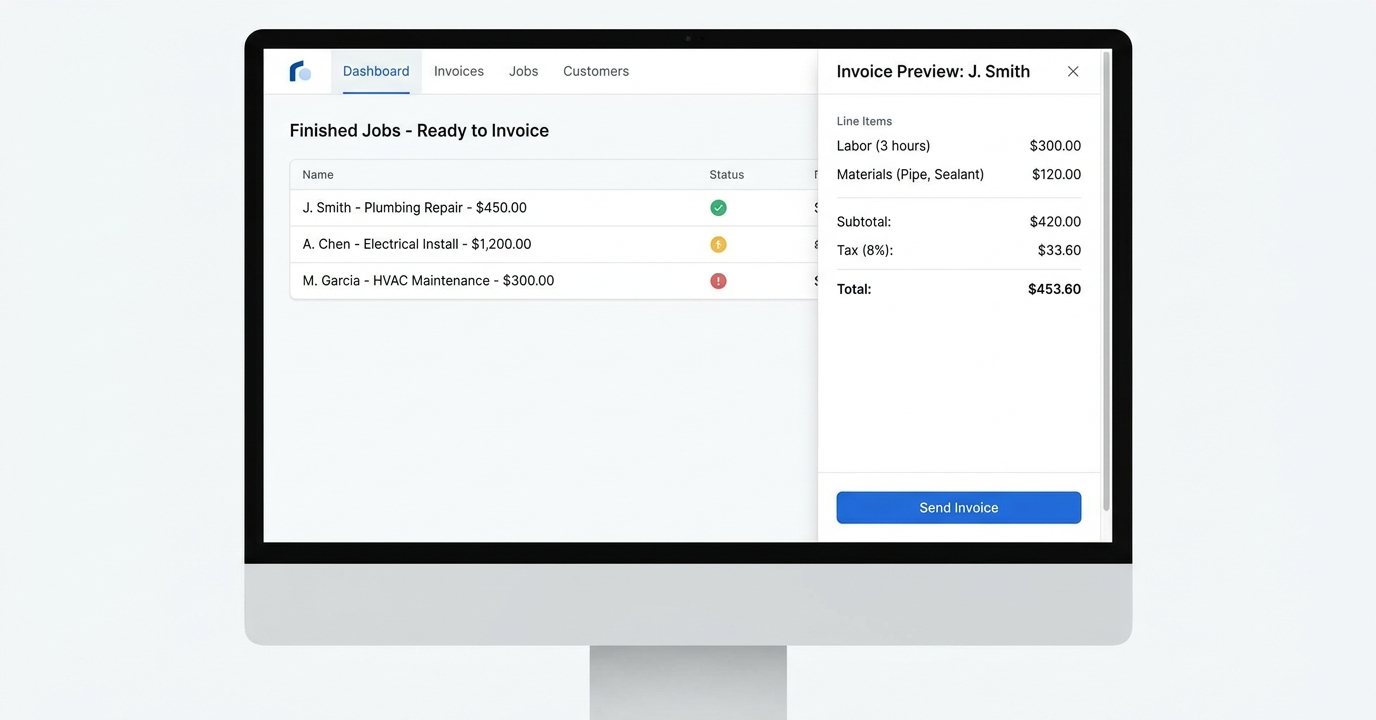
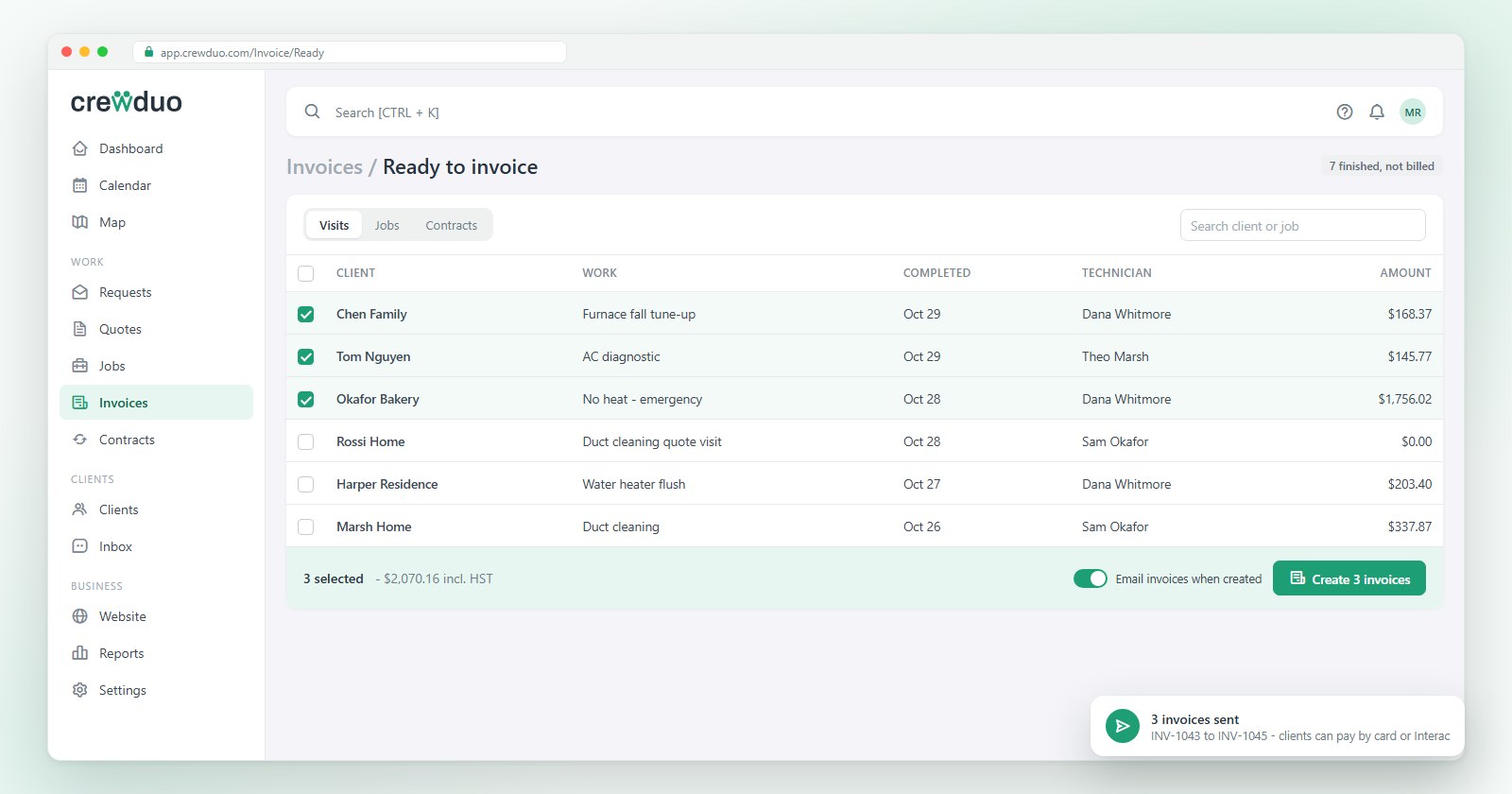
Nothing finished goes unbilled
Completed visits and jobs wait in Ready to invoice until they are billed. Build the invoice from the work actually done: no retyping, no forgotten parts.
- Invoices from jobs, visits and contracts
- Deposits, instalments and payment schedules
- Approval before sending, when you want it
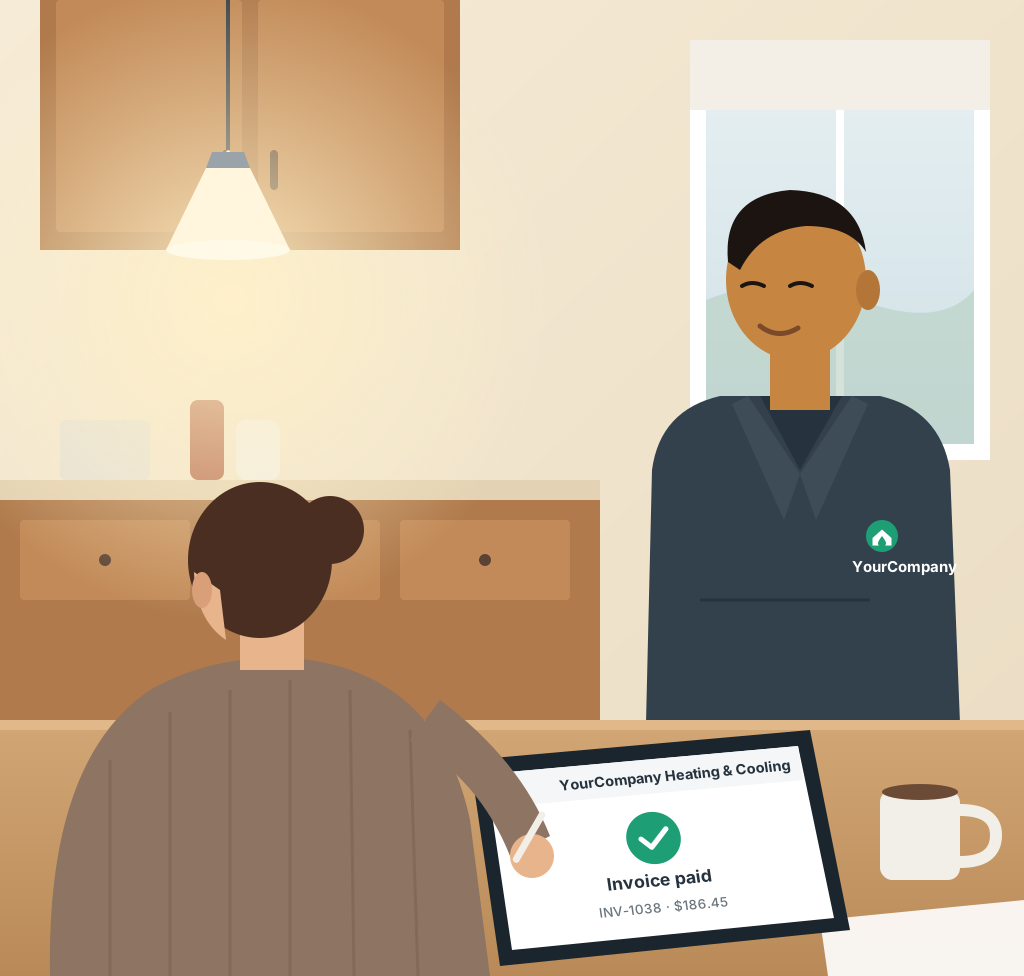
Card online or tap on the spot
Clients pay by card from the invoice email or the portal. On site, tap to pay closes it before you leave.
- Online card payments and autopay
- Tap to pay and card readers in the field
- Reminders and late fees on your rules
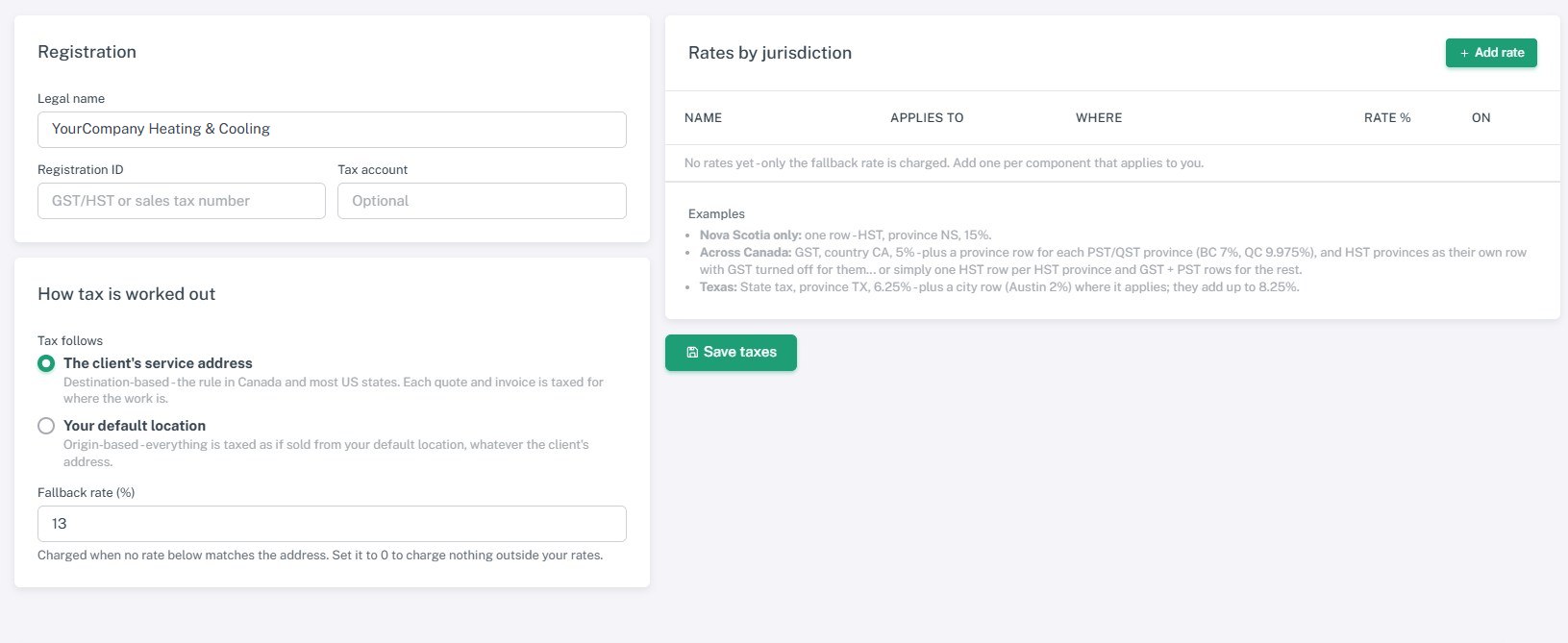
Sales tax and the margin on every job
Sales tax follows the state the client is in, at the rates you set, and job costing shows what each quote, job and contract actually made.
- Tax rates by state and a sales-tax report
- Cost and margin per job and contract
- Credit notes, refunds and write-offs
Invoicing and payments, feature by feature
Each one shows the plan it comes with. Compare plans.
Invoices
From jobs and visits, with your catalogue, discounts and taxes.
Record a payment
Cash, cheque or bank transfer recorded against the invoice.
Ready to invoice
Finished work waiting to be billed, in one list.
Online card payments
A pay link on every invoice and in the client portal, with autopay.
Deposits and payment schedules
Take a deposit on acceptance and split the rest into instalments.
Reminders and late fees
Overdue invoices chased automatically, on your rules.
Print templates and work orders
Your header and footer on quotes, invoices and job sheets.
Tap to pay and card readers
In-person card payments from the phone or a reader.
Sales tax by state
Your own sales tax rates for each state you work in, charged by where the client is (a ZIP code is enough), with a sales tax report.
Credit notes
Credit part or all of an invoice, back to the invoice or the client's account.
Scheduled and contract invoicing
Recurring contracts billed on their own schedule.
Invoice approvals
A second pair of eyes before an invoice goes out.
Job costing and margins
Cost and margin on every quote, job and contract, and a profitability report.
Reports hub
Revenue by service, product, job type and technician; money owed; taxes collected.
QuickBooks Online and Xero
Clients, invoices, payments and refunds kept in step, both ways.
Deeper reports
Longer history and the cuts a multi-crew business asks for.
See it with your own jobs, free
The free plan runs the work for as long as you like. Want to see everything first? There is a 14-day free trial on Fleet, our top plan with every feature. No card needed.